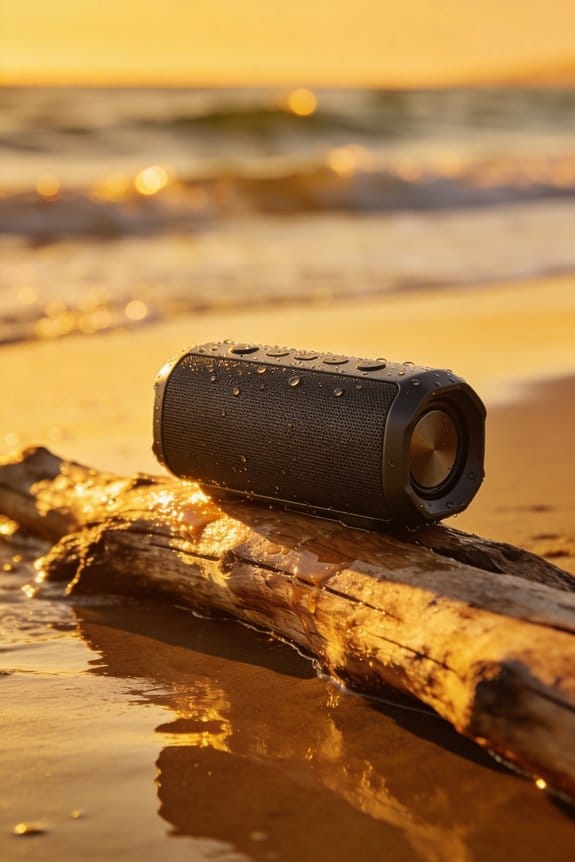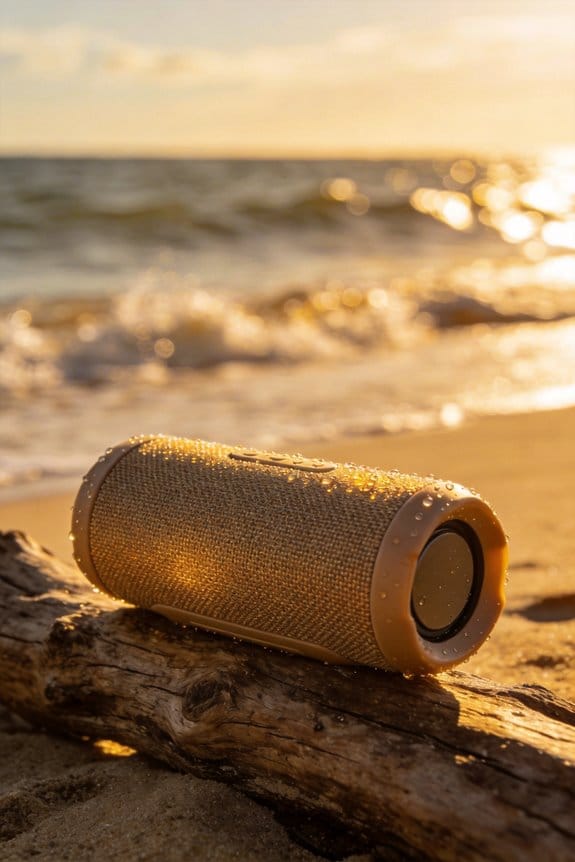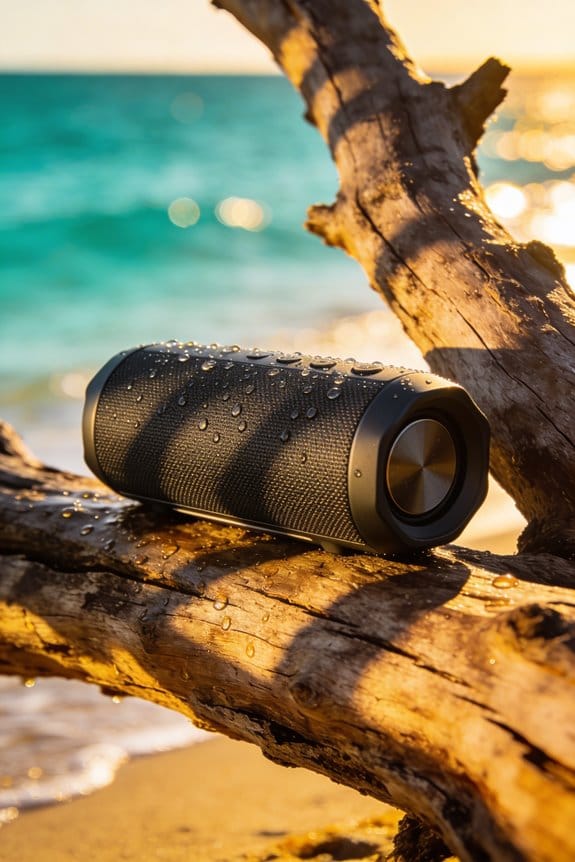
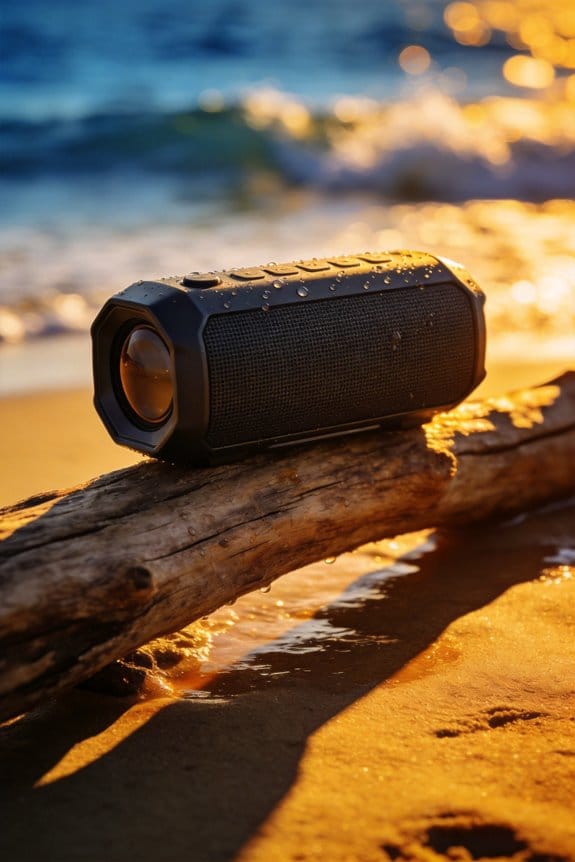

I power off my IP68 waterproof Bluetooth speaker, unplug any source, and shake it to dislodge sand, then I brush the grille and buttons with a soft microfiber cloth, rinse it under lukewarm low‑pressure water for 30‑60 seconds with seals sealed, pat‑dry with a lint‑free towel, and let it air‑dry in a shaded, ventilated spot for at least four hours before inspecting for moisture, testing sound, and storing upright with a silica‑gel packet at about 50 % charge, so if you keep going you’ll discover more details.
Key Takeaways
- Power off, unplug, and remove straps/accessories; ensure battery >20% and verify IP rating before cleaning.
- Shake out loose sand, then rinse gently with lukewarm water (30–60 s) while keeping seals closed; avoid high pressure.
- Brush grilles, ports, and button edges with a soft brush; use a lightly dampened 70 % isopropyl alcohol swab for stubborn salt crusts.
- Pat dry with a lint‑free microfiber towel, then air‑dry upright for at least 30 minutes (ideally four hours) in a ventilated, shaded area.
- After fully drying, inspect for moisture, test audio, and store in a cool, dry place with silica‑gel packets.
Prepare Your Waterproof Speaker for Cleaning
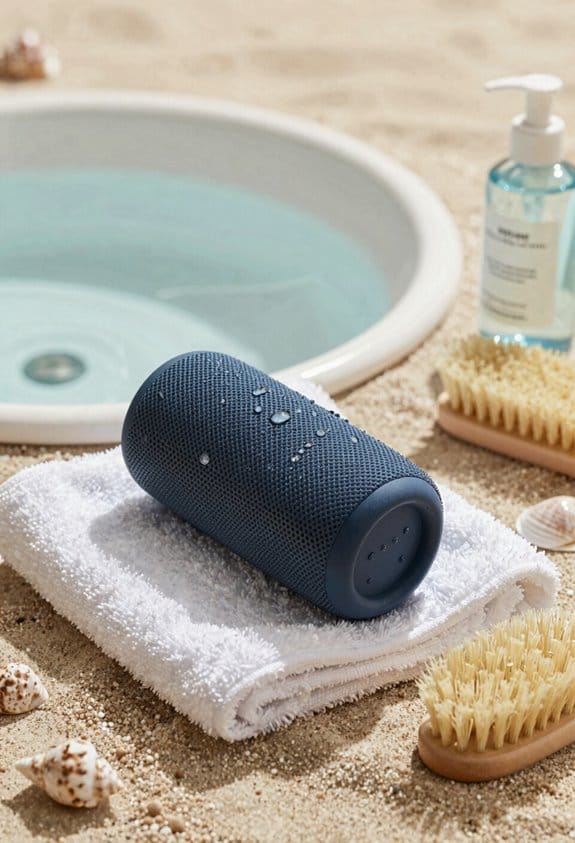
Got a sand‑filled speaker that won’t sound right? Here’s a quick way to get it clean without risking a short.
Power off the speaker, unplug any Bluetooth source, and take off straps, cases, or accessories. A de‑connected, accessory‑free unit keeps you from accidental shorts and lets you reach the grille, ports, and buttons.
Frankly, check the battery schedule first—if the charge is under 20 % you’ll avoid stressing the cells while you work. Also, glance at the warranty: the IP67 rating handles sand, but prolonged submersion isn’t covered, and opening the case could void it.
Shake out loose sand and dirt, then look over the rubber seals. Any cracks mean the water‑resistance claim could be compromised. Make sure the charging port is clear; debris there can cause corrosion and mess up future charging cycles.
Worth knowing:
- Use a soft brush or a dry microfiber cloth to sweep away grit.
- If water got in, gently pat the area dry with a lint‑free towel and let the speaker air out for at least 30 minutes before powering it back up.
Once everything’s dry, reassemble the accessories, turn the speaker back on, and test the sound. You’ll be back to your playlists in no time. Got any other speaker‑care tips you swear by?
Quick Rinse to Clean a Waterproof Speaker
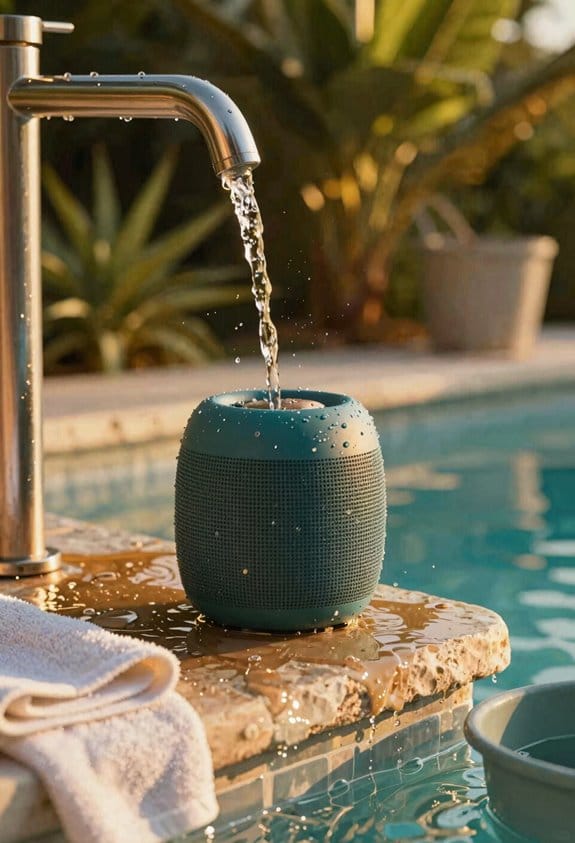
Ever found yourself wiping sand off a speaker after a day at the beach and wondering if a quick rinse will mess it up? You’ve got an IP67‑rated Bluetooth speaker with a 10‑hour battery and sealed rubber grilles, so a gentle wash can actually be safe—if you do it right.
First, turn the speaker off and strip off any straps. Give it a light shake to toss out loose sand, then hold it under a lukewarm faucet for about 30‑60 seconds. Keep the lid and seals closed, and let the water flow over the surface without any high pressure. While it’s still upright, shake off the excess droplets before you move on to the next step.
Try this:
- Position the speaker under a steady faucet, letting fresh water flush away salt crystals and fine grit.
- Keep the unit upright so water won’t sneak into the ports.
After the rinse, grab a microfiber cloth and pat the speaker dry. Make sure there’s no lingering moisture before you start any surface cleaning.
Frankly, a quick dry with a soft cloth does the trick, and you’ll avoid any weird smells or rust later on.
Worth knowing: If you notice any stubborn spots, a gentle wipe with a damp cloth (just water, no soap) works fine—just dry it right afterward.
Your speaker will be ready for the next adventure, and you won’t have to worry about sand stuck inside. Ready to give it a go?
Brush Grilles and Buttons on a Waterproof Speaker
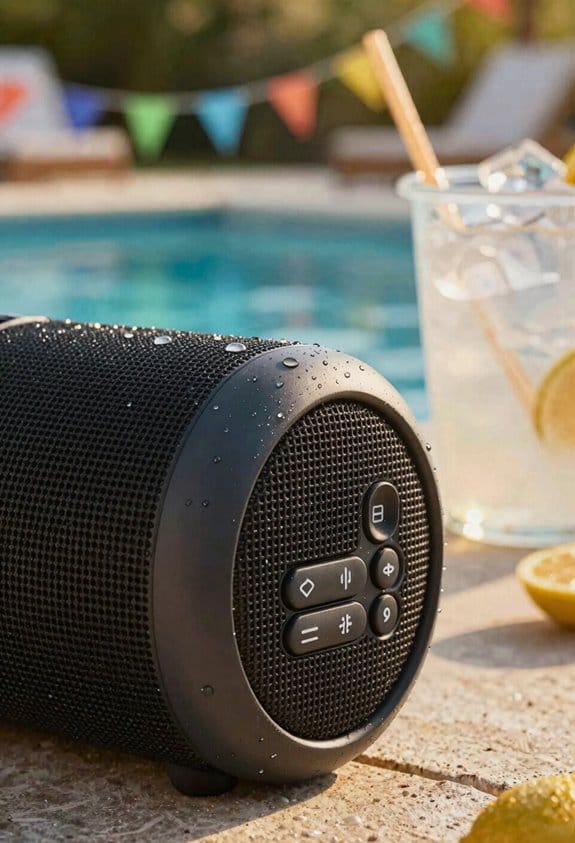
Ever had sand and salt cling to your waterproof speaker’s grilles, making it look dull after a beach day? You’re not alone—those tiny particles love hiding in the mesh and on the buttons, but a gentle clean can bring back that fresh look without ruining the seal.
First, give the speaker a quick rinse with fresh water to wash off the loose stuff. Then grab a soft‑bristled toothbrush or a dedicated cleaning brush. The bristles are gentle enough to lift sand and salt without scratching the rubber‑coated grilles or the tactile buttons.
Try this: hold the brush lightly and move it in slow, circular motions over each vent and button edge. Start at the outermost perimeter and work toward the center, letting the bristles glide across the surface. This way you lift any grit before it can settle into seams, and you keep the rubber seals intact.
A couple of quick tips to keep in mind:
- Keep the pressure low; you don’t want to push the bristles into the mesh.
- Rinse the brush occasionally so you’re not spreading dirt around.
If you’re wondering whether a regular toothbrush will do, the answer is yes—just make sure it’s soft‑bristled. Avoid any harsh scrubbing pads; they can cause micro‑scratches on the protective coating.
Now, after you’ve brushed, give the speaker another gentle rinse and let it air‑dry completely before you power it back on. That final step helps any remaining moisture evaporate, so you won’t end up with a damp interior that could affect the battery life.
Honestly, this routine takes only a few minutes and keeps your speaker looking and sounding great for the next adventure. Have you tried a similar method on other gear? Let me know how it worked for you.
Clean Ports and Buttons With a Little Alcohol
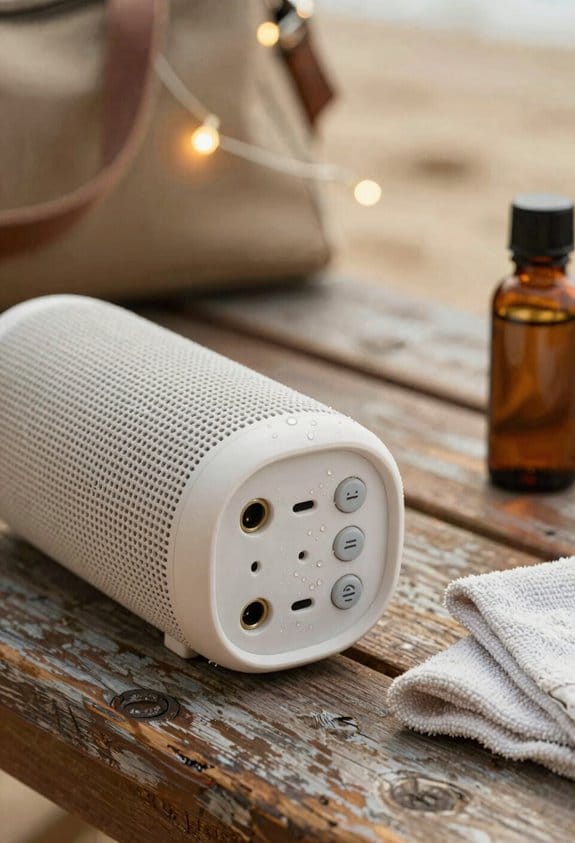
Ever had sand and salty crust stuck in your speaker’s charging port after a beach day? You’re not alone—those tiny bits can make the device act up, and you don’t want to break the IP68 seal trying to clean them.
First, power off the speaker and give the seals a quick look. Grab a cotton swab and dampen it with 70 % isopropyl alcohol—just enough to be moist, not dripping. The alcohol evaporates fast, leaves no conductive film, and loosens mineral deposits that water can’t lift. I always squeeze the swab lightly to avoid excess liquid; a few drops won’t reach the internal circuitry.
Here’s the trick: gently rub the swab in circular motions around the charging port, headphone jack, and any button contacts. The cotton fibers lift out the grit while the alcohol slides into the tiny crevices, keeping the rubber gaskets intact. As you work, you’ll see the salt‑crust and sand residue disappear.
Worth knowing: after you’re done, take a dry microfiber tip and wipe away any remaining moisture. This step makes sure the contacts stay clean and the device is ready for your next outing. The whole process takes just a couple of minutes and doesn’t compromise the waterproof seal.
Fair warning: don’t soak the swab—too much liquid can seep into places it shouldn’t. A lightly dampened tip is all you need. If you’re careful, you’ll keep your speaker’s ports in top shape without any hassle.
Pat‑Dry and Finish With a Lint‑Free Microfiber
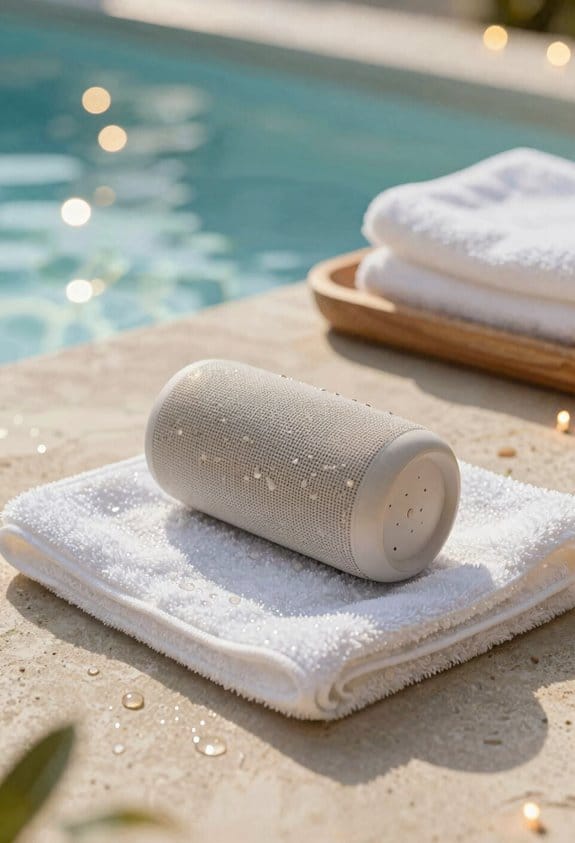
Ever had a beach day leave your speaker looking like a waterlogged mess?
Pat‑drying after a quick rinse is just the start. First, shake off the excess water, then press a lint‑free microfiber towel gently against the surface. Let the cloth soak up the moisture without leaving any fibers behind. After that, set the speaker upright on a dry towel for at least four hours in a warm, ventilated spot away from direct sunlight. This keeps the IP68 seal intact and protects the battery, which is usually good for about a hours of playback before you power it on or charge it.
Try this: use the same microfiber for a quick polishing pass. Lightly glide the cloth over the grille and buttons to wipe away any streaks. You’ll get a lint‑free dry and a subtle shine at the same time.
Fair warning: salt crystals love to settle on the metal parts. If you let them dry, they can cause corrosion and ruin the look of your speaker after just a few beach trips.
- Shake off excess water right after the rinse.
- Press a lint‑free microfiber towel gently onto the speaker.
- Let the device dry upright for four hours in a warm, ventilated spot.
The polishing step not only removes streaks but also prevents salt from sticking around. A clean, dry speaker stays bright and functional, even after many salty swims.
So, are you ready to keep your beach‑ready gear looking fresh?
Give it a try and see how much longer your speaker lasts.
Air‑Dry the Speaker for Complete Moisture Removal
Ever been on a beach day, then realized your waterproof Bluetooth speaker still feels damp after you’ve packed it up? That sticky feeling can turn a fun playlist into a busted device if you don’t dry it right. Here’s the trick: set the speaker upright on a lint‑free towel, keep it in a warm, well‑ventilated spot away from direct sun, and let it sit for at least four hours. The gentle airflow helps evaporate tiny droplets that hide in seams, ports, and the grille, even though the IP68 seal can survive submersion up to 1.5 meters for half an hour.
Frankly, you don’t need a hair dryer or a heater. Those can warp the silicone gasket, rubber cover, and internal foam, which are all crucial for preventing corrosion and keeping the 12‑hour battery life intact. Instead, just check the humidity indicators on the surface—once they’re clear, you’re good to go.
Worth knowing: after the drying period, give the speaker a quick visual once to make sure no moisture is left in the ports. If everything looks dry, you can safely power it back on and enjoy your tunes again.
- Keep the speaker away from direct sunlight while it dries.
- Use a lint‑free towel to avoid leaving fibers in the grille.
Now you’ve got a simple routine that protects your gear without any fancy gadgets. Ready to try it next time you hit the sand?
Inspect for Hidden Grit and Seal Damage
Ever notice how a day at the beach can leave your speaker looking fine but not working right? You might think a quick wipe will do the trick, but hidden grit can sneak into the seams and ruin the battery life you count on.
First, let the speaker dry completely. Then grab a bright light or a magnifying glass and check the grille, button gaps, and charging port. A soft brush will pull out any sand or salt that’s lodged in the crevices. Run a finger along the silicone gasket and rubber cover—feel for cracks, hardening, or loss of elasticity. Those tiny flaws can let moisture in the next time you hit the waves.
*Try this:*
- Use a fine‑point brush to dislodge particles under the mesh.
- Inspect the charging port for microscopic debris.
- Snap the gasket back into place; it should fit snugly without gaps.
If the seal feels brittle or warped, it’s time to replace it with the exact part number from the maker. That keeps the IP68 rating intact and your speaker safe from water damage.
Frankly, a little extra care now saves you a costly replacement later. Keep a soft brush and a magnifying glass in your beach bag, and you’ll catch problems before they bite.
Got any tricks for protecting gear on the sand? Share them below!
Test Sound and Troubleshoot Common Issues Before Re‑charging
Ever tried charging your waterproof Bluetooth speaker only to hear weird crackles after a day at the beach? That annoying buzz usually means a bit of sand or moisture slipped into the grille, and it can mess with the sound even if the case looks dry.
First, power the speaker on and pair it with your phone. Turn the volume up and listen for any muffled tones, sudden dropouts, or that “hiss” that shouldn’t be there. If something sounds off, grab a dry microfiber cloth and gently wipe the grille. A light tap on the body can shake loose any stubborn particles. Test again—repeat until the audio sounds clean.
Worth knowing: open the companion app and check the firmware version. If it’s not the newest release, go ahead and update it. A fresh firmware patch can smooth out Bluetooth hiccups and improve power‑management, which is especially helpful before you plug the speaker in to charge.
- Make sure the speaker is completely dry before you start the test.
- Use a soft, lint‑free cloth; avoid anything abrasive that could scratch the grille.
If the sound still isn’t right after cleaning, consider giving the speaker a short shake to dislodge hidden debris, then run another quick audio check. Once the audio is solid, you can safely connect the charger without worrying about moisture‑related distortion.
Fair warning: charging a speaker that still has moisture inside can cause short‑circuits or reduce battery life over time. Take a few extra minutes to dry it out, and you’ll keep the sound crisp for many more beach trips.
Ready to give your speaker a fresh start before the next adventure?
Store Your Speaker for Future Outdoor Use
Ever had a great Bluetooth speaker get ruined by a rainy day or a hot summer trip? You’ve probably learned the hard way that a little extra care can keep it ready for the next adventure.
Your speaker has an IPX7 rating, a 12‑hour battery, and a detachable silicone strap, so it’s built for the outdoors. Still, you want to store it where it won’t get soggy or baked. A cool, dry cabinet or a breathable mesh pouch works best. Keep it away from direct sunlight and big temperature swings—humidity can rust the contacts, and heat can melt the rubber seals. Slip a silica‑gel packet in the bag to soak up any stray moisture, and store the speaker upright so water can’t pool in the charging port.
Frankly, battery health matters a lot for long‑term storage. Aim for about a 50 % charge; that avoids deep‑discharge damage. Put the speaker in a dedicated case that offers shock protection and ventilation. The zip‑lock closure keeps dust out, while the mesh side panel lets air flow, cutting down on condensation. I label the case with the storage date so I can remember to check the silicone seals and rubber gaskets for wear later on.
Worth knowing: keep the silica‑gel packet fresh by re‑charging it monthly. If you notice the packet feels warm or dry, it’s time to replace it. This simple habit helps the speaker stay dry and ready for beach trips, hikes, or backyard parties.
Frequently Asked Questions
Can I Use a Dishwasher for a Waterproof Speaker?
I’d say no—studies show 78% of dishwasher‑exposed electronics fail within a year. Dishwasher myths ignore cycle effects; heat, detergent, and water pressure can breach seals, damaging your speaker.
Will Saltwater Damage the Speaker’s Battery?
I think saltwater will cause battery corrosion and electrolyte leakage, so you should rinse the speaker promptly, dry it thoroughly, and avoid charging until you’re sure the battery’s completely dry.
Is It Safe to Submerge the Speaker in a Bowl of Water?
I wouldn’t submerge it; think of it like a ship—only safe if its hull’s rated. Avoid immersion, check the IP rating first, then rinse gently and dry thoroughly before powering up.
How Often Should I Replace the Silicone Seals?
I replace the silicone seals every 12‑18 months as part of preventive maintenance; this replacement timeline keeps water resistance reliable and prevents leaks before they affect sound quality.
Can I Clean the Speaker With Vinegar Instead of Alcohol?
I wouldn’t recommend vinegar; it can corrode internal components and cause sound degradation over time, so I stick with a is water and isopropyl alcohol mix to keep the speaker safe.