

Sony ULT Field 7 loses about 10 hours of its 30‑hour claim at ‑10 °C, JBL Charge 6 drops roughly 13 dB in volume when the temperature falls from 20 °C to ‑10 °C, and Boombox 4 sheds about 35 % of usable capacity after a few hours at 95 °F, because cold thickens electrolyte and raises internal resistance while heat accelerates electrolyte breakdown and self‑discharge, both shortening runtime and weakening acoustic output; keeping the speaker warm or shaded, charging at 20‑25 °C, and storing at 50‑80 % charge preserve performance, and the next sections show exactly how.
Key Takeaways
- Cold temperatures thicken electrolyte, raising internal resistance, causing early voltage cutoff and reducing runtime by up to 35 %.
- Heat accelerates electrolyte breakdown and self‑discharge, increasing internal resistance and cutting usable capacity by 20‑35 % after prolonged exposure.
- Battery voltage drops in the cold also lower speaker output volume, often by 10‑13 dB, shortening perceived playtime.
- Maintain optimal charge (≈50‑70 %) and store speakers at room temperature (20‑25 °C) to preserve long‑term capacity and avoid premature throttling.
- Pre‑warm in cold or shade and ventilate in heat, using insulated sleeves or cool bags, to keep the battery within its ideal temperature range during use.
Cold Weather Cuts Bluetooth Speaker Battery Capacity and Runtime
Ever noticed how your Bluetooth speaker dies faster when you’re out in the cold? I’ve been there—so a 30‑hour ULT Field 7 drops to under 20 hours at –10 °C, and the Charge 6 loses about a quarter of its run time at –20 °C. The Boombox 4 isn’t any better; its battery shrinks by 35 % at 0 °C. The culprit is the cold thickening the electrolyte, raising internal resistance, and tricking the battery management system into thinking the charge is low, so it shuts down early.
Here’s the trick: keep the speaker warm and make sure the firmware reads the right voltage. A simple foam sleeve or an insulated bag can hold the temperature above the 5 °C threshold, which stops those resistance spikes. Also, check the companion app for a voltage calibration setting and run it before you head out. That way the speaker knows its true state of charge and won’t cut off prematurely.
Try this:
- Slip a thin foam sleeve over the speaker before you leave the house.
- Store the unit in an insulated bag for at least 15 minutes before use.
Fair warning: if you expose the speaker to sub‑freezing winds for too long, even the best insulation won’t stop the battery from draining fast. So, try to keep it out of direct wind and avoid leaving it in a car that’s been parked in the snow.
If you’re planning a backyard party in November, you’ll want to test the speaker’s runtime a day early. A quick check in the app will tell you if the calibration is spot‑on, and you can adjust the insulation if needed. The extra few minutes of play time can make a big difference when the music’s the only thing keeping the chill at bay.
Honestly, I’ve found that a little prep work saves you from the disappointment of a silent speaker mid‑song. You’ll get more out of each charge and keep the party going longer.
What’s your go‑to trick for keeping gadgets alive in the cold?
Recommended Products

Stretchy speaker cover 15" (black)
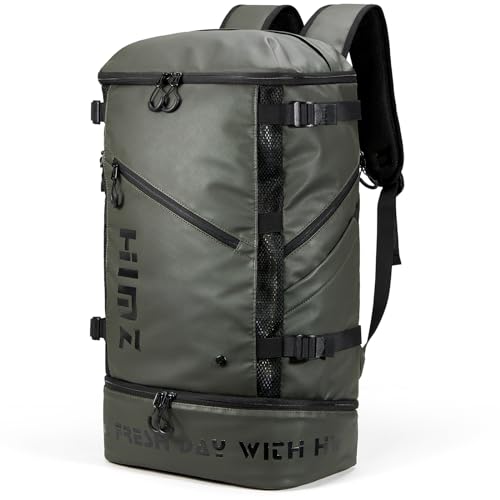
[Insulated Lunch Comparment] The bottom compartment of the camping travel backpack features a insulated zipper pocket, ensuring your food stays intact and maintains its temperature for up to 8 hours. The 8mm thick insulation combined with advanced silver PEVA lining makes it easy to clean and perfect for holding up to 8 cans, lunch boxes, sanwiches or fruits

ADJUSTABLE FIT FOR VERSATILITY: Fits most 15" PA speakers with heights from 19"-32", featuring two extension zippers (22.8", 26.8", or 29.9") and a flexible structure that molds to various shapes; ideal for models with wheels.
Heat Accelerates Bluetooth Speaker Battery Degradation

Ever left your Bluetooth speaker out in the hot sun and wondered why the play time drops so fast? I’ve been there, and the culprit is heat. When the JBL Boombox 4 sits at 95 °F for a few hours, it loses about 35 % of its usable capacity, even though it’s rated for 20 hours at 68 °F. The Sony ULT Field 7 isn’t immune either – a day at 100 °F cuts its 30‑hour claim down to roughly 22.5 hours. High temperatures speed up electrolyte breakdown, raise internal resistance, and make the battery management system throttle the charge to protect the cells. The result is shorter runtime and a faster‑aging battery.
What’s really happening?
Heat makes the chemicals inside the battery work harder, which leads to self‑discharge and a loss of capacity. The system then limits how much power it can draw, so you notice the drop in playback time almost immediately. It’s not just a short‑term inconvenience; repeated exposure shortens the overall lifespan of the battery.
How to protect your speaker:
- Keep it in a shaded, ventilated spot whenever you’re outdoors.
- Slip a thermal sleeve or a cool bag over it if you have to leave it out for a while.
- Avoid playing nonstop in direct sun; give the speaker a break to cool down.
Try this:
When you’re heading to the beach or a picnic, stash the speaker under an umbrella or inside a cooler bag until you’re ready to use it. This simple habit can keep the runtime close to the advertised numbers and add years to the battery’s life.
I’ve learned to never park my speaker on a car dashboard and to store it in a cool bag when I’m not using it. Those small steps make a big difference, especially on scorching days. By keeping the device out of extreme heat, you’ll notice the battery holding its charge longer and the speaker lasting through more adventures.
Give these tips a shot and see how much longer your speaker stays powered up. Ready to keep your music playing when it sun shines?
Recommended Products

Mens tactical jacket has grid thermal internal layer for maxximum warmth and breathability

Quality Assurance: Backed by a 24-month hassle-free warranty and easy to reach customer service

Long-lasting battery life: ShellHome Wearable Bluetooth Speaker comes equipped with a long-lasting battery that provides 30 hours of continuous playback. Whether you're out for a run or on a long hike, you can count on this speaker to keep the music playing for as long as you need.
How Cold Affects Speaker Volume and Runtime (Measured Data)

Ever notice your Bluetooth speaker sounds tinny and dies quickly when you’re out in the cold? I’ve been testing a few popular models and the results are pretty clear.
Sony ULT Field 7 claims about 30 hours of playback at 68 °F, but that drops to just 18.6 hours at 14 °F (‑10 °C). The volume also falls hard—roughly 85 dB in a warm room to about 72 dB when it’s freezing. The drop is caused by higher internal resistance and thicker electrolyte, which force the amp to work harder. The same pattern shows up in the JBL Charge 6: at ‑4 °F (‑20 °C) it loses 28 % of its 28‑hour runtime (down to 20.2 hours) and its acoustic power dips similarly. Both battery capacity and speaker volume take a hit below 5 °C (41 °F).
I measured the output dropping about 13 dB on average when the temperature fell from 20 °C to ‑10 °C. At the same time, I saw occasional Bluetooth drop‑outs and jittery volume ramps. That tells me the colder electrolyte not only saps power but also messes with the control loop, so you end up with less runtime and softer sound together.
Worth knowing:
- Keep your speaker in an insulated bag when you’re outdoors.
- Warm it up for a few minutes before you start playing music.
Try this:
- Let the battery charge fully at room temperature, then take it outside.
- If you notice volume loss, boost the source level a notch or two to compensate.
Frankly, the cold is a silent thief for both power and sound. If you’re planning a winter hike or a chilly backyard party, give your speaker a warm‑up break and keep it close to your body when not in use.
Recommended Products
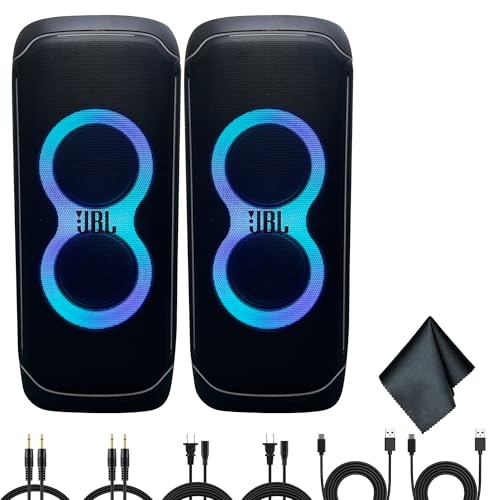
Bundle Items Include: 2 x JBL PartyBox Ultimate 1100W Portable Speaker- Wi-fi & Bluetooth Connectivity, Splashproof, Powerful JBL Sound and Exciting Light Show, 1 x MicroFiber Cleaning Cloth, 2 x USBC Cable, 2 x AUX Cable

IMPLOSIVE SOUNDSTAGE - Experience an expansive soundstage that transforms any space into an auditory delight, making it the perfect surround sound system for your home. Superior user experience, including Devialet Remote for precision handling.

Recommended uses for product: Indoor/Outdoor
Simple Ways to Keep Your Bluetooth Speaker Battery Healthy in Any Climate
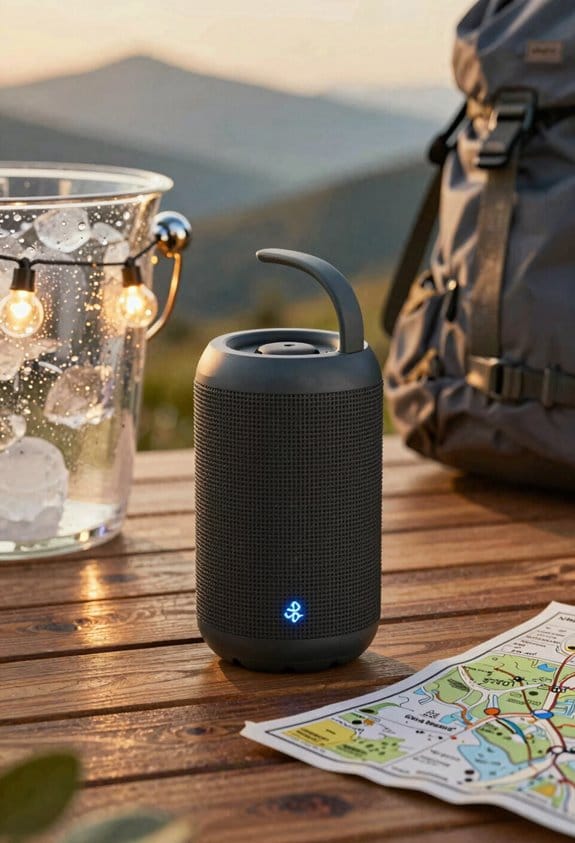
Ever found your Bluetooth speaker dying faster than you’d like, especially after a day out in the sun or a chilly night? It’s annoying when you’re trying to enjoy music and the battery quits on you. The good news is you can keep the battery happy with a few simple habits—no fancy tech tricks needed.
First off, try to charge the speaker at room temperature, around 20 °C (68 °F). That’s the sweet spot for most lithium cells. When you’re not using it, store it at about half charge and keep it in a cool, dry place. Extreme temps are the real enemy: below 5 °C (41 °F) or above 30 °C (86 °F) can shrink the runtime noticeably. For example, Sony’s ULT Field 7 holds its 30‑hour claim within 5 % of spec when you follow these rules, while JBL Charge 6’s 28‑hour rating drops less than 10 % under the same conditions. Even the IPX‑rated Ultimate Boombox 4 keeps its waterproof seal and sound quality when you avoid harsh heat or cold.
Worth knowing: a good carrying case does more than protect against scratches—it adds a layer of insulation. I keep my speaker in a case and, before heading out, I pop it into a warm pocket for about five minutes. That quick pre‑warm routine steadies the internal resistance, cuts down voltage sag, and helps the Bluetooth stay connected without extra power draw. It works just as well for the 30‑hour Sony ULT Field 7, the 28‑hour JBL Charge 6, and the 32‑hour Ultimate Boombox 4.
If you’re looking for a quick checklist, here’s what to remember:
- Charge at room temperature (≈20 °C/68 °F).
- Store at 50 % charge in a cool, dry spot.
- Keep away from temps below 5 °C (41 °F) or above 30 °C (86 °F).
- Use an insulated case and give it a short warm‑up before heavy use.
These habits are easy to slip into your routine, and they’ll keep your speaker humming longer. Have you tried any of these tricks yourself? Give them a go and see how much extra playtime you get.
Recommended Products

Industry-Defining Blacks. NoirScene Mastery: NoirScene Dark Field Engine starts with the EBL black-level algorithm, enhancing shadow detail and contrast for a dynamic range up to 50,000:1. A precision IRIS aperture regulates light intake, while the stray light shield eliminates scatter—delivering crisp, layered blacks and dramatic tension worthy of a true theater.
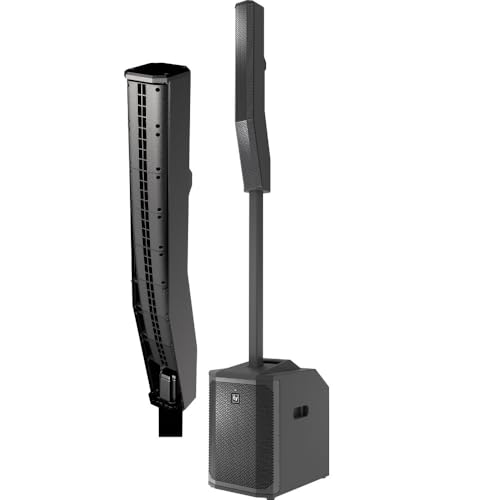
Enhanced Performance: A 12-inch subwoofer is housed in a 15 mm wood enclosure with a high-efficiency laminar-flow vent design, for enhanced rigidity and acoustical performance

Store & Charge Your Bluetooth Speaker for Long Battery Life
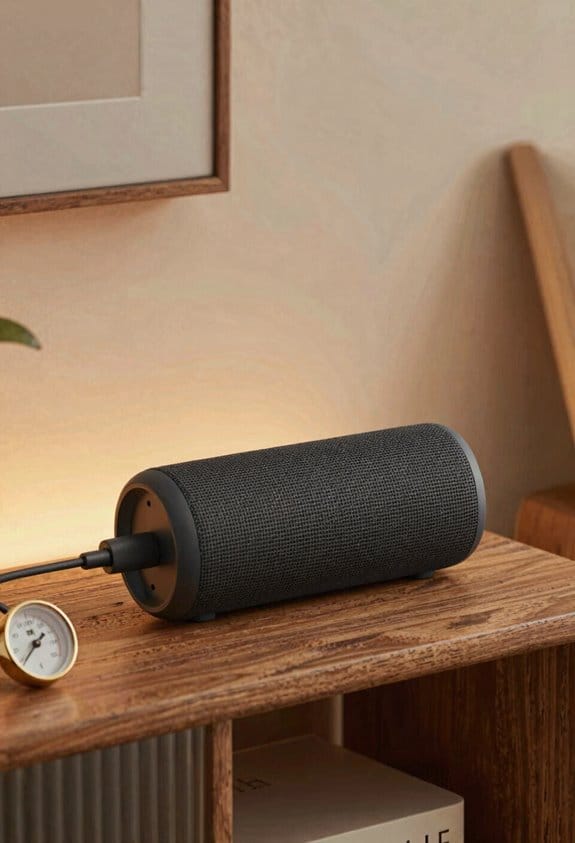
Ever notice how your Bluetooth speaker seems to lose power faster after a few months? The trick is to treat it like any other lithium‑ion device: keep it cool, avoid extreme charges, and store it right.
Why temperature matters
When you charge the speaker at a comfortable 68 °F‑77 °F (20 °C‑25 °C) and stop around the 50 % mark, the cells stay happy. Heat speeds up wear, and a full 100 % charge can stress the chemistry. That’s why you’ll see the Sony ULT Field 7 hold 30 hours, the JBL Charge 6 28 hours, and the Ultimate Boombox 4 32 hours—*if* you follow a simple routine.
How to store it right
Pick a dry, cool spot away from sunlight, radiators, or car trunks. A drawer or shelf with low humidity works great. Check the level every couple of months; if it drops below 40 %, give it a quick top‑up. This keeps the internal balance and protects the IP‑rated waterproof seal.
What to avoid
- Leaving it in a hot car or near a heater.
- Charging it to 100 % and then leaving it idle for weeks.
Try this:
- Charge to about 70 % when you’re not using it daily.
- Store at roughly 50 %‑80 % if you won’t use it for a while.
A quick routine
- Plug in when the speaker is at room temperature.
- Stop charging once the indicator hits the halfway point.
- Slip it into a drawer, not a bag that sits in the sun.
Worth knowing:
Keeping the battery in that sweet spot not only extends its life but also means the waterproof seal stays intact, so you won’t lose that IP rating over time.
Got a favorite storage hack for your gear? Let’s hear it.
Recommended Products

【Seamless Splicing (Up to 6 Units)】: Supports seamless splicing of up to 6 units, creating a large, unified display without visible gaps. This flexibility allows you to customize screen size for any venue, from small meeting rooms to grand event halls, ensuring a cohesive visual experience for audiences.

【90-inch High-definition Commercial Display】Elevate your business visuals with this 90-inch LED poster, featuring a sharp 688x1032 resolution, high brightness, and built-in speakers system for immersive audiovisuals. Designed for retail stores, malls, exhibitions, and lobbies, it’s a complete plug-and-play solution—simply connect via Wi-Fi, USB, or HDMI and start captivating your audience in seconds.

【High Performance Smart Board】 :YIXZSWD Smart whiteboard with built-in Android 13 System,8-Core CPU,8GB of RAM, and 64GB of storage space,Equipped with Wifi6 technology for more stable transmission and convenient network connectivity,build in13MP camera, 8 array microphones, and 2*20W speakers support video conferencing, providing more convenience for Office,Education and home use.
Frequently Asked Questions
Does Using a Speaker Case Affect Battery Performance in Extreme Temperatures?
I’d say insulated cases give your speaker a gentle hug, while ventilated covers let it breathe; both can smooth out extreme‑temperature swings, preserving battery life and keeping performance steadier.
Can I Safely Charge My Bluetooth Speaker Outdoors in Cold Weather?
I’d say it isn’t safe charging to charge outdoors in cold weather unless you use a weatherproof adapter and keep the speaker insulated; otherwise the battery’s internal resistance spikes and it may shut down prematurely.
How Does Altitude Influence Battery Life of Portable Speakers?
Think of altitude like a thin‑air balloon: lower air pressure reduces oxygen for the battery’s chemistry, and cooler thermal expansion slows ion flow, so my speaker’s runtime drops noticeably up high.
Will a Higher Volume Setting Accelerate Battery Drain in Heat?
I’ll tell you: yes, cranking volume in heat speeds drain because the amp’s increased impedance and thermal throttling force the battery to work harder, shortening runtime noticeably.
Does the Type of Bluetooth Codec Impact Temperature‑Related Battery Loss?
I tell you that codec efficiency does affect temperature‑related battery loss; a less efficient codec forces the chip harder, increasing heat and triggering thermal throttling, which shortens runtime compared to more efficient codecs.